 Mud Pig Wash
 Game
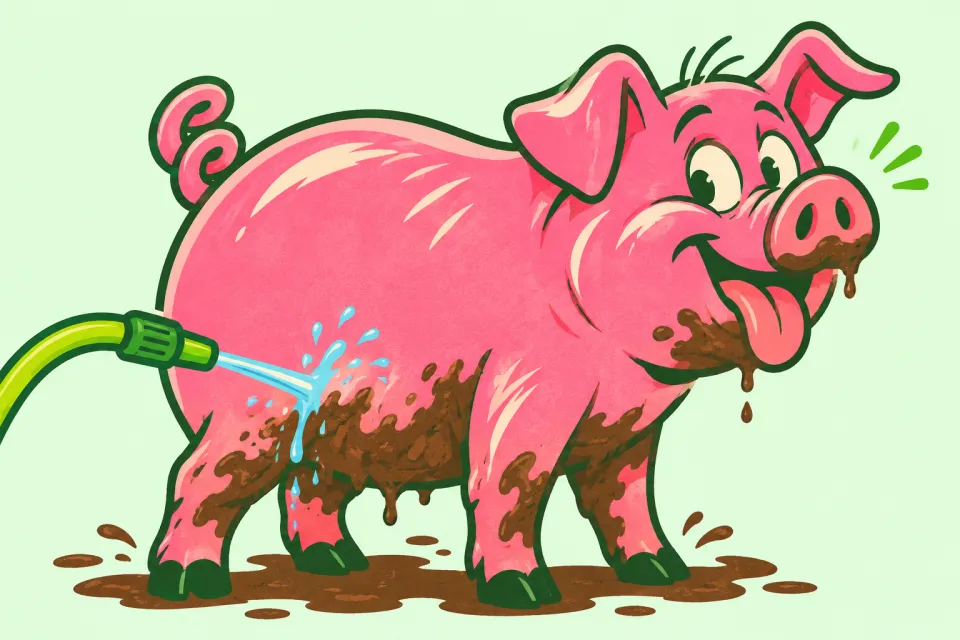
One muddy pig, one hose, one oddly satisfying cleanup.
How to Play Mud Pig Wash
In Mud Pig Wash, hold the spray over a muddy patch until you see pink skin. Then sweep slowly along the edge of the clean area to catch any thin strips of mud.
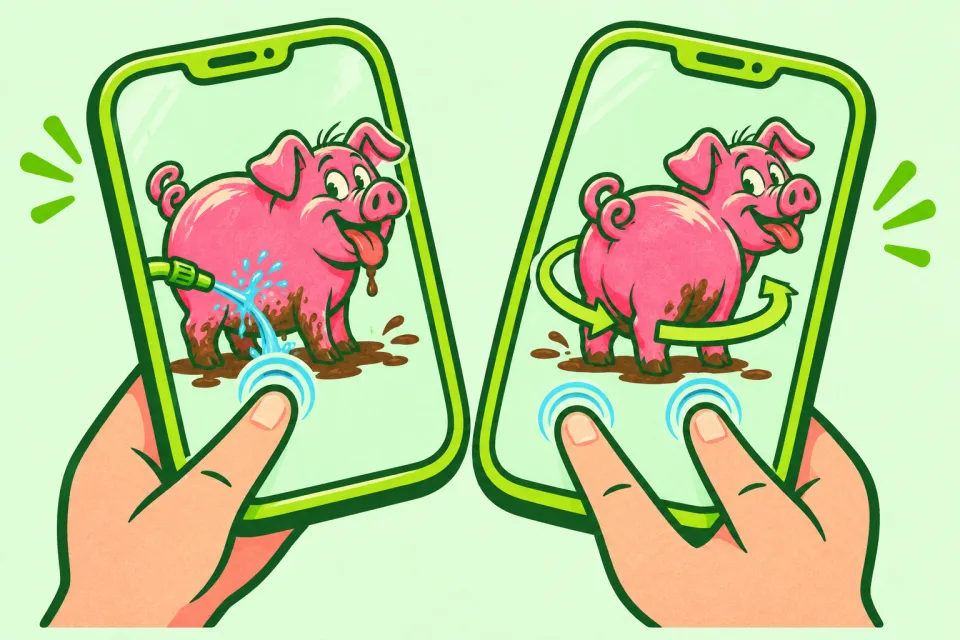
Phone or tablet
- Spray
- Touch and drag with one finger.
- Rotate
- Drag with two fingers.
- Zoom
- Pinch with two fingers.
The water lands slightly above your fingertip. Place your finger just below the spot you want to wash.
Computer
- Spray
- Hold the left mouse button.
- Rotate
- Drag with the right mouse button.
- Zoom
- Scroll the mouse wheel.
Release the left button before rotating so you can see where the mud ends without the spray in the way.
Get Comfortable With the Mobile Controls
Choose a spot you can see clearly
For your first few seconds, leave the view where it is and choose a patch halfway up the pig’s side. Hold one finger just below it and watch the point where the water meets the skin. Lift your finger, move it sideways a little, and try again. This gives you two clear aiming points before you attempt a continuous sweep. A broad patch is easier to practice on than a foot that is already close to the edge of the screen.
Lift both fingers before switching back
When you want to rotate, lift the finger you were spraying with. Put both fingers down together to turn the view, then lift them both once you can see the next patch. Set one finger down again when you are ready to rinse. This deliberate pause also gives you time to check whether you turned far enough. If only the tail or snout is visible, pull back a little before aiming at a small target.
Pick the view for the job
A wide view is handy for moving from the back to the side because you can still see the pig’s outline. Zoom closer once you have reached the part you want to wash. If your fingertip covers the patch, use the offset to keep your finger below it, or turn the pig so the patch sits nearer the middle of the screen. Set the angle and zoom first, then make the rinse.
If your hand crosses over the part you want to see, change how you hold the phone. Rest it on a table for the two-finger turn, then go back to a comfortable grip for spraying once the view is steady.
Why the Cleanup Feels So Satisfying
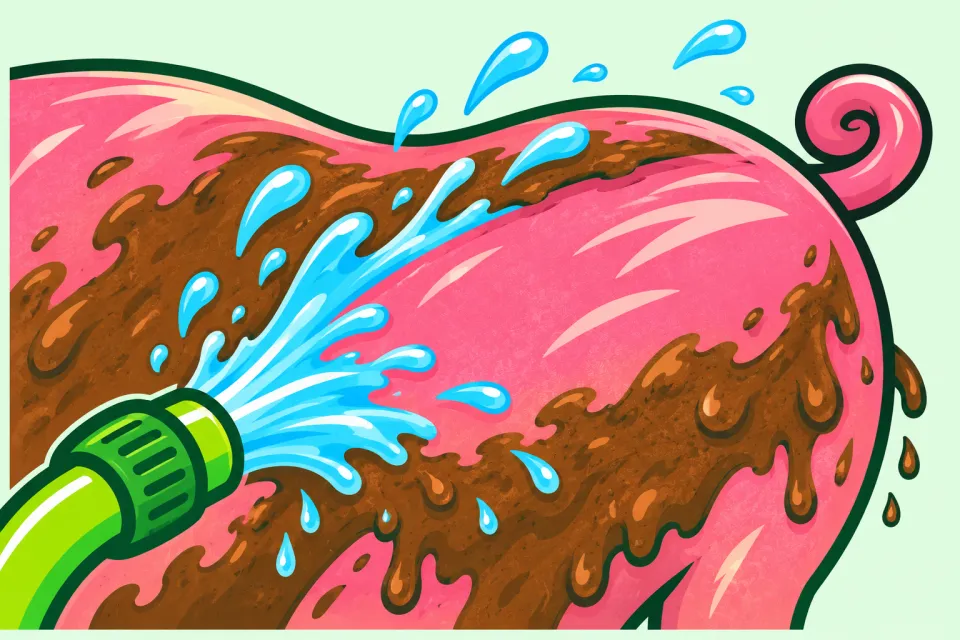
In this pig wash game, each pass shows you exactly what changed. Try holding the hose over one broad brown patch and watch a little island of pink appear. Follow its border and you can see the clean area grow. The appeal will feel familiar if you play a power wash game or a pressure washer game for the before-and-after effect. Here, the whole job is one pig that you can turn to inspect from all sides.
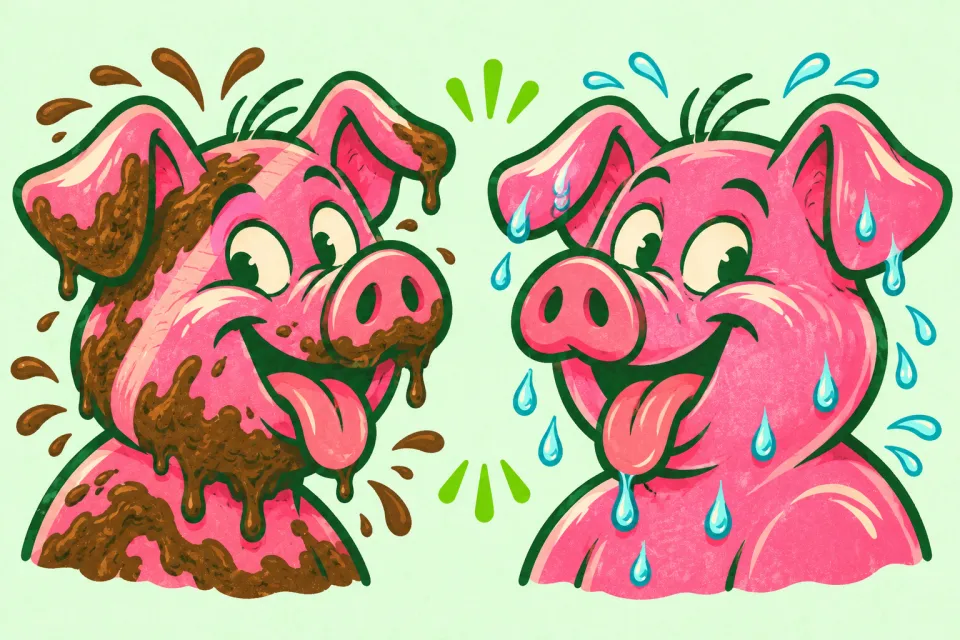
The last patch is where the game makes its joke. Keep the sound on if you want to hear the ending, and give the pig a moment after the rinse. If you still see brown, do one slow turn before you go back over the spots that already look clean. There is a different satisfaction in finding one small missed patch after washing most of the pig in a few wide passes.
Two Ways to Replay the Wash
Clear one side in a continuous pass
Pick a wide patch near the back, rinse a small opening, then follow that line down across the flank. Make a second pass alongside the first so the two clean strips meet. Work across the visible side like this before turning the pig. This gives you a clear comparison between the side you have washed and the side you still need to reach. Try the same pattern on the far side and see which direction gives you the clearest view of the edge.
Start with the spots you usually miss
For a different run, turn the pig before you spray and wash the small areas first. Start under the nose, move to the inside of the front legs, then inspect the belly and back feet. After those spots are pink, switch to the wide view and finish the open areas. You get the fiddly part out of the way early and can end on the biggest, most visible patch.
Try both routes and notice when you have to turn back or zoom out to find your bearings. For a small challenge, count how many times you return to an area you have already washed. Try to beat that count on the next run. You can also give someone else a turn and compare which part of the pig each of you checked last. Save the ending for their first playthrough and let them discover it with the sound on.
Troubleshooting
The screen stays gray
The original game loads separately from this page. If you can see the heading but the pig has yet to appear, give the 3D scene a moment. If the screen stays gray, refresh once. You can also open the original game using the link in the footer. If it opens there, continue in that tab. If both views stay gray, try a current browser with support for WebGL.
The hose is hard to aim on a phone
Start on an area with a clear outline, such as the side of the belly. Look at where the water lands and adjust your fingertip before dragging. For small targets, use two fingers to zoom, then lift both fingers and start the next spray with one. To get a wider look at the pig, pinch back out or try holding your phone sideways. If you are using a computer, release the left mouse button before turning the view with the right one.
The game is quiet or opens in another language
The speaker and language menu are at the top right of the game. Use the speaker to toggle sound and check your device’s media volume if you still cannot hear it. The language menu changes the labels inside the game. Choose English there to match this guide, or choose whichever language you prefer. The spray and camera controls work the same way.
Frequently Asked Questions
Can I wash a pig for free in my browser?
Yes. The player on this page opens the original browser game. On a phone or tablet, touch and drag to wash. On a computer, hold the left mouse button and move the pointer. There is no download or sign-up. The first wash is a good time to practice alternating between a short spray and a turn of the view.
How do I know when I am nearly done?
The areas you have washed turn pink. Look around the whole pig, including underneath and between the legs, before deciding that the last brown spot is gone. Shading changes when you turn the view, so compare a suspicious spot with a patch you know is clean. When you finish, pause for a moment and let the ending play.
Can I play fullscreen or with the sound off?
Use the Fullscreen button below the player when your browser shows it. On a desktop, press Escape to return to the page. You can use the speaker inside the game to play silently or turn the sound back on before the last rinse. If fullscreen is unavailable on your device, the embedded player still lets you zoom in using the game controls.
Who made the original game?
Kei Furukawa created Muddy Pig Wash and hosts the game itself. This page embeds it and provides an English guide for the controls, the easy-to-miss mud, and common loading or aiming problems. The footer links directly to the original game and to Kei Furukawa’s website.